Watching 4K Films With IPTV: What You Need
⚡ Quick Answer
The TV, device, broadband and settings you need to get proper 4K picture quality from IPTV films and sport.
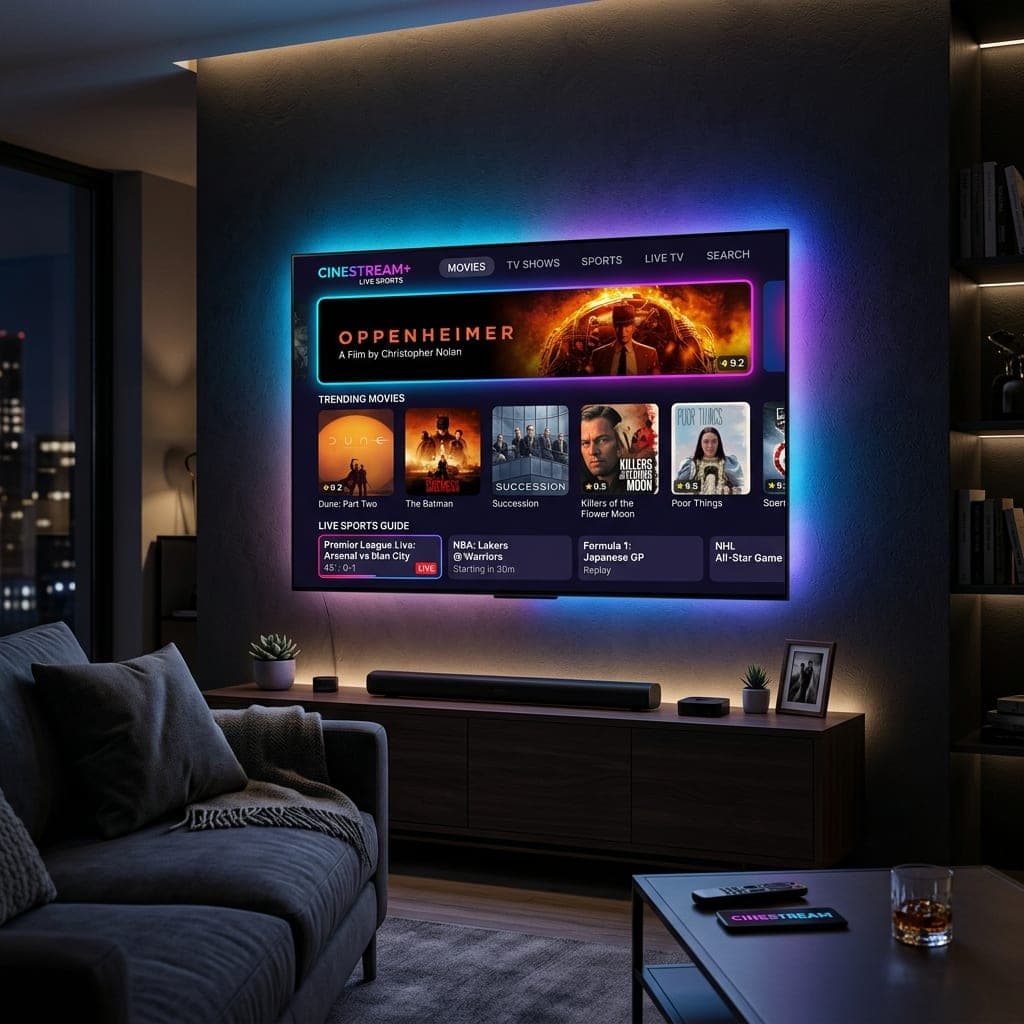
The four things that matter
1. A 4K TV
Obvious, but check the HDMI port you use supports 4K at 60Hz — on some TVs only certain ports do.
2. A 4K-capable device
The Fire TV Stick 4K or 4K Max, Nvidia Shield, Apple TV 4K or a modern Android TV box. The Firestick Lite is HD only. See Shield vs Firestick.
3. Enough broadband
Allow 25–40 Mbps at the TV for 4K. Wired Ethernet is the most reliable way to get it.
4. The right settings
- Set the device's display resolution to 4K (Settings > Display on a Firestick).
- Turn on HDR if your TV supports it.
- Look for titles marked 4K or UHD in the film library.
What we offer
Our on-demand library has more than 120,000 titles, with many films in 4K, plus sport in 4K on supported channels. Check the picture on your own TV with our free 6-hour trial.
HDR explained
HDR (high dynamic range) makes bright parts brighter and dark scenes clearer. It often makes a bigger visible difference than 4K resolution itself. There are several types — HDR10, HDR10+, Dolby Vision and HLG. Most 4K TVs support HDR10; check your TV's settings for the others.
Why a 4K film might not look 4K
- The device is set to 1080p. Check the display settings.
- The HDMI port does not support 4K. Try a different port — often HDMI 1 or 2.
- The connection is too slow. Streams drop resolution to keep playing.
- The title is not actually 4K. Look for the 4K or UHD label.
Setting up a Firestick 4K Max for films
- Settings > Display & Sounds > Display > Video Resolution: Auto.
- Dynamic Range Settings: Adaptive.
- Match Original Frame Rate: on.
- Connect with Ethernet or 5GHz Wi-Fi.
Sound
For a cinema feel, connect a soundbar or AV receiver. Many films include 5.1 surround sound; set your device's audio output to "Best available" or "Dolby Digital Plus" if your sound system supports it.
Picture settings on the TV
Switch the TV to "Filmmaker", "Cinema" or "Movie" mode. These turn off motion smoothing, which makes films look like soap operas, and show colours closer to how the director intended.
Is 8K worth it?
Almost nothing is broadcast or streamed in 8K, so an 8K TV gives no benefit for IPTV today. See what 8K really means.
What is in the library
More than 120,000 films and episodes, with new releases each week, from blockbusters to classics and box sets. Every plan includes the full library — there is no film add-on.
Check the picture on your own TV with our free 6-hour trial.
Frequently Asked Questions
What do I need for 4K IPTV?
A 4K TV, a 4K device, 25–40 Mbps and the device set to 4K output.
Does the Firestick Lite do 4K?
No, it is HD only.
How do I find 4K films?
Look for titles marked 4K or UHD in the film library.
Is 8K worth it?
Almost nothing is broadcast in 8K, so no.
James has spent over 8 years reviewing streaming technology, IPTV services, and cord-cutting solutions for UK audiences. He specialises in device compatibility, network optimisation, and helping readers get the most from their streaming subscriptions.
📚 Related Articles
Ready to experience the best IPTV UK?
Stop buffering and start watching. Claim your free 6-hour trial today.