JOIN IPTV UKSTREAMING
🎁 Free Trial
🔑 Apps and Logins

Smart IPTV & Player Apps — Which to Use, How to Set Up

Apps like Smart IPTV, IPTV Smarters and TiviMate are players — they show whatever channels you add to them. We send two kinds of login, an M3U link and Xtream Codes, so you can use almost any player. Or skip all that and use our own app, which just needs your email and password.

🎁 Claim Your 6-Hour Free Trial💰 View Pricing Plans
2
Login Types
5+
Apps Supported
1
Free App of Our Own
6 hrs
Free Trial
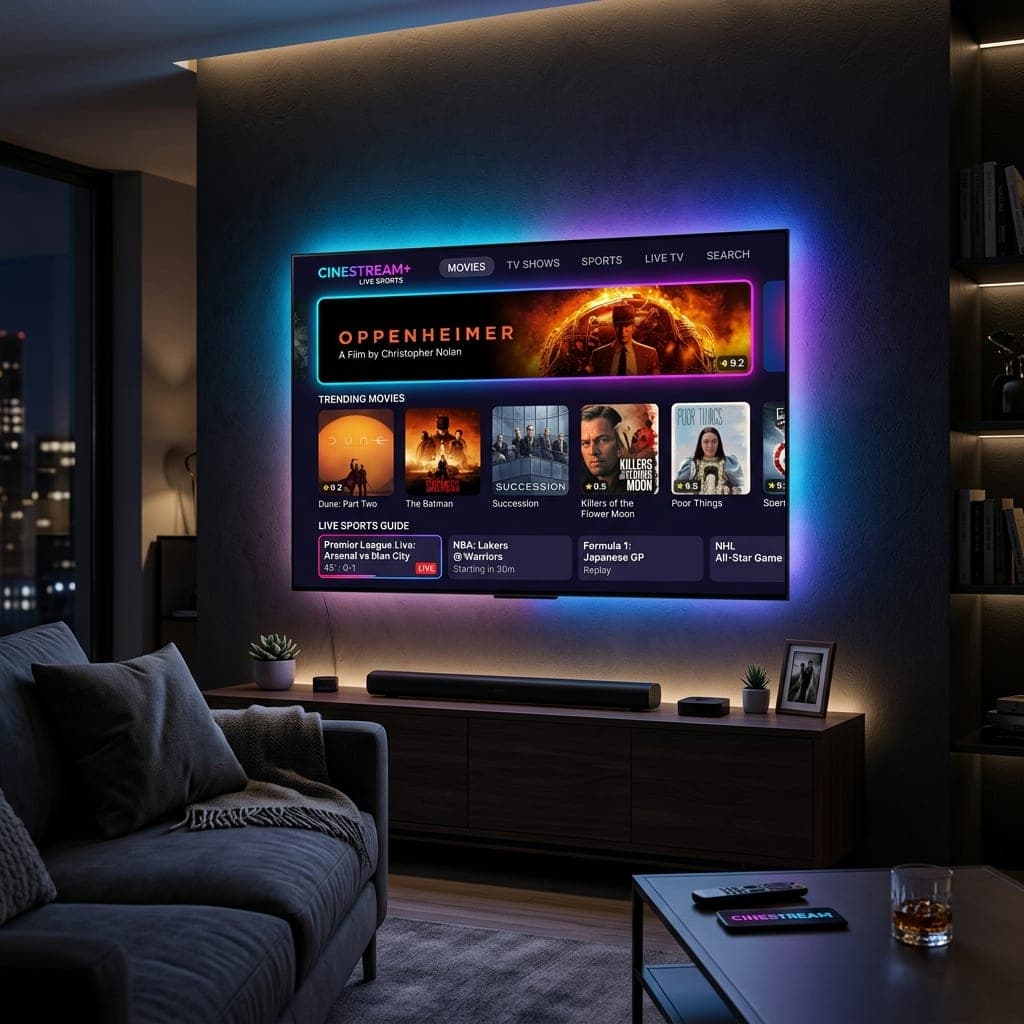
Smart IPTV and IPTV Smarters player apps running on a Samsung Smart TV
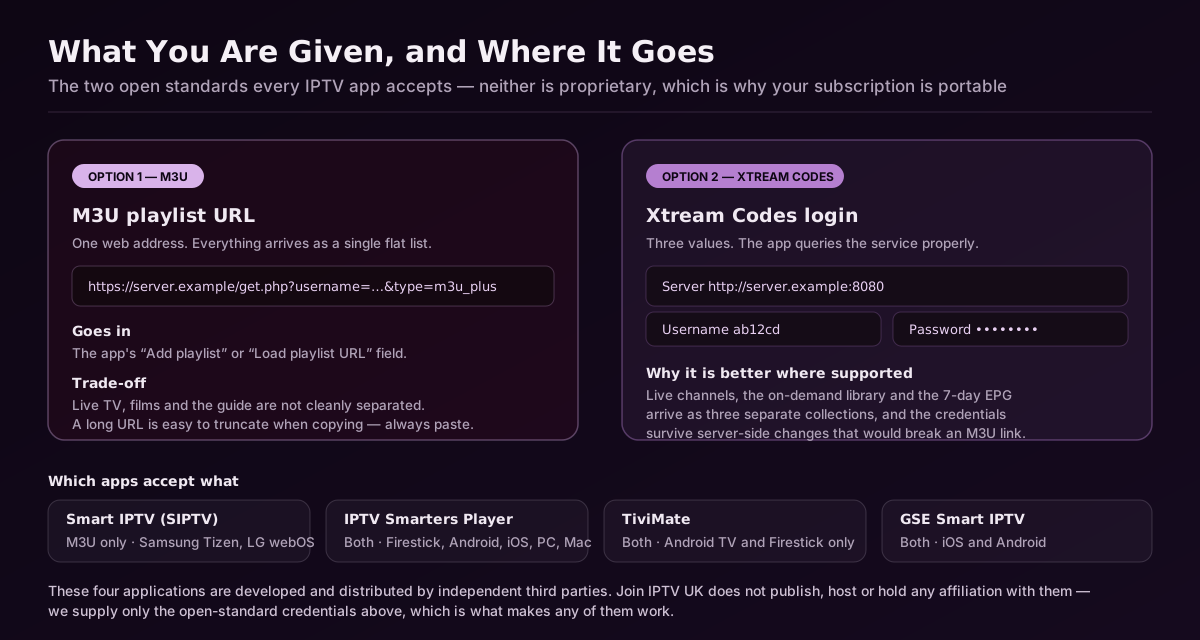
Comparison of an M3U playlist URL against an Xtream Codes login, showing which field each value goes in for Smart IPTV, IPTV Smarters Player, TiviMate and GSE Smart IPTV
Both are open standards, which is the whole point: your subscription moves between apps and devices instead of being locked to one company’s software.

What to Know About Player Apps

📦

Apps Come Empty

A player shows nothing until you add a login or playlist.

🔗

M3U Link

A single web address that loads your channels. Used by Smart IPTV and VLC.

🔑

Xtream Codes

A server, username and password. Loads the TV guide and catch-up automatically.

⭐

Our Own App

Sign in with your email and password — no links to copy.

💷

Some Apps Charge

Smart IPTV and TiviMate Premium charge a small fee to their developer, not to us.

🔁

Switch Any Time

The same login works in every app, so try a few.

Which App on Which Device

Which App on Which Device
AppDevicesLogin type
Our appFire TV, Android TV, Android phonesEmail and password
TiviMateFire TV, Android TVXtream Codes
IPTV SmartersAlmost everythingXtream Codes or M3U
Smart IPTVSamsung, LG and other Smart TVsM3U (via MAC address)
GSE Smart IPTViPhone, iPad, Apple TVXtream Codes or M3U

M3U vs Xtream Codes

M3U vs Xtream Codes
M3U linkXtream Codes
What you enterOne web addressServer, username, password
TV guideSometimes needs a second linkLoads automatically
Catch-upLimitedSupported
Best forSmart IPTV, VLCTiviMate, IPTV Smarters

Do You Need a Third-Party App at All?

On a Fire TV Stick or Android TV, our own app is the simplest choice: install it from the short address we send and sign in.

On Samsung or LG TVs and Apple devices, which cannot run our app, a player such as Smart IPTV, IPTV Smarters or GSE is the way to go.

If you already love an app like TiviMate, keep it — just add our Xtream Codes login.

Smart IPTVIPTV SmartersTiviMateGSE Smart IPTVM3U LinkXtream CodesOur AppMAC Address

Frequently Asked Questions

A player for Smart TVs that loads channels from an M3U link linked to your TV’s MAC address. It has no channels of its own.

Open the app to see your TV’s MAC address, enter it and our M3U link on the Smart IPTV website, then restart the app. We can do it for you on WhatsApp.

Xtream Codes where the app supports it — the TV guide and catch-up load automatically. Use M3U for apps that only accept a link.

Yes, for Fire TV, Android TV and Android phones. It just needs your email and password.

Our app is free. Some third-party players charge a small fee to their developer.

£10 for 1 month, £20 for 3, £35 for 6 or £45 for 12 months on one screen; two- and three-screen plans run from £15 to £75.

Official Pricing

All plans and prices are on one page

Every subscription length, connection count and price is listed together on our pricing page — from £10 for a single month up to £75, with the cheapest working out at £3.75/month on a 12-month plan. Nothing on this page overrides it.

💰 See All Plans & Prices🎁 Try Free for 6 Hours

One Login for Every App

Your free 6-hour trial comes with an M3U link and Xtream Codes, plus access to our own app.

🎁 Start Free 6-Hour Trial💰 View Pricing Plans💬 Talk to UK Support
Join IPTV UK is a trading name of Join IPTV UK Ltd, registered in England and Wales (Companies House 14785236 · VAT GB412589632 · ICO ZB491823). Every UK channel · every Premier League match · films and box sets. Plans from £10 · free 6-hour trial · no contract.