Nvidia Shield vs Firestick for IPTV: Worth It?
⚡ Quick Answer
The Shield is faster and more powerful, but costs several times more. Here is who actually benefits from one for IPTV.
The short version
For most people, a Fire TV Stick 4K Max is all you need for IPTV. The Nvidia Shield TV is worth it if you want the fastest possible experience, lots of storage, or wired Ethernet without an adapter.
Where the Shield wins
- Faster at loading big channel lists and changing channels.
- Built-in Ethernet port.
- More storage, and USB ports for recording in TiviMate.
- Excellent picture upscaling for HD channels on a 4K TV.
Where the Firestick wins
- A fraction of the price.
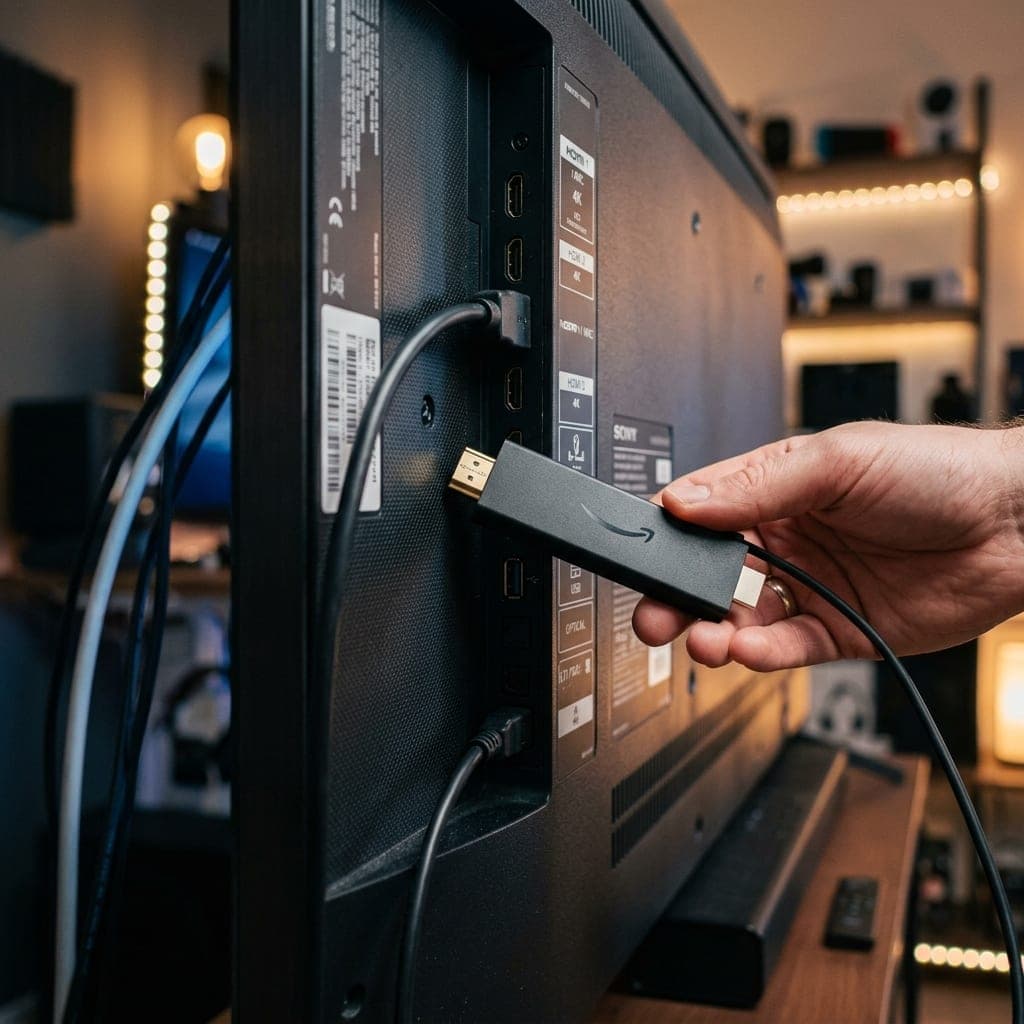
- Small enough to hide behind the TV.
- Easy to take on holiday.
Our recommendation
Start with a Fire TV Stick 4K Max. If you later want more speed or recording, the Shield is a great upgrade. More options are compared in our IPTV box guide.
Your login works on both — test with our free 6-hour trial.
Side-by-side comparison
- Price: Fire TV Stick 4K Max — budget; Nvidia Shield TV — several times more
- Ethernet: Firestick — via adapter; Shield — built in
- Storage: Firestick — limited; Shield Pro — much more, plus USB
- Remote: Firestick — Alexa voice remote; Shield — remote with Google Assistant
- Apps: both run our app, TiviMate and IPTV Smarters
- 4K HDR: both, with the Shield adding excellent AI upscaling
Who should buy a Shield
- You watch a lot of live TV and want the fastest guide and channel switching
- You want to record with TiviMate Premium onto USB storage
- You have a large 4K TV and want HD channels upscaled as well as possible
- You want a built-in Ethernet port
Who should buy a Firestick
- You want good performance for a low price
- You need devices for several TVs
- You want something small to take on holiday
Other options
Google TV Streamer and good Android TV boxes sit between the two on price and performance. An Apple TV 4K is excellent too, but cannot run TiviMate.
Setting up either device
Both install our app or TiviMate in a few minutes. On the Shield, install from Google Play. On the Firestick, use Downloader — see our Firestick setup guide.
Our verdict
Start with a Fire TV Stick 4K Max. If you later want recording, more storage or the fastest possible experience, the Shield is a great upgrade, and your login works on both. Compare more devices on our IPTV box page.
Frequently Asked Questions
Is the Nvidia Shield worth it for IPTV?
If you want maximum speed, Ethernet and recording. For most people a Fire TV Stick 4K Max is enough.
Does the Shield have Ethernet?
Yes, built in.
Can I record on a Shield?
Yes, with TiviMate Premium and storage.
Will my login work on both?
Yes.
James has spent over 8 years reviewing streaming technology, IPTV services, and cord-cutting solutions for UK audiences. He specialises in device compatibility, network optimisation, and helping readers get the most from their streaming subscriptions.
📚 Related Articles
Ready to experience the best IPTV UK?
Stop buffering and start watching. Claim your free 6-hour trial today.