How to Watch IPTV on Apple TV, iPhone and iPad
⚡ Quick Answer
Apple devices do not run TiviMate, but there are excellent alternatives. Here are the best IPTV apps for tvOS and iOS and how to set them up.
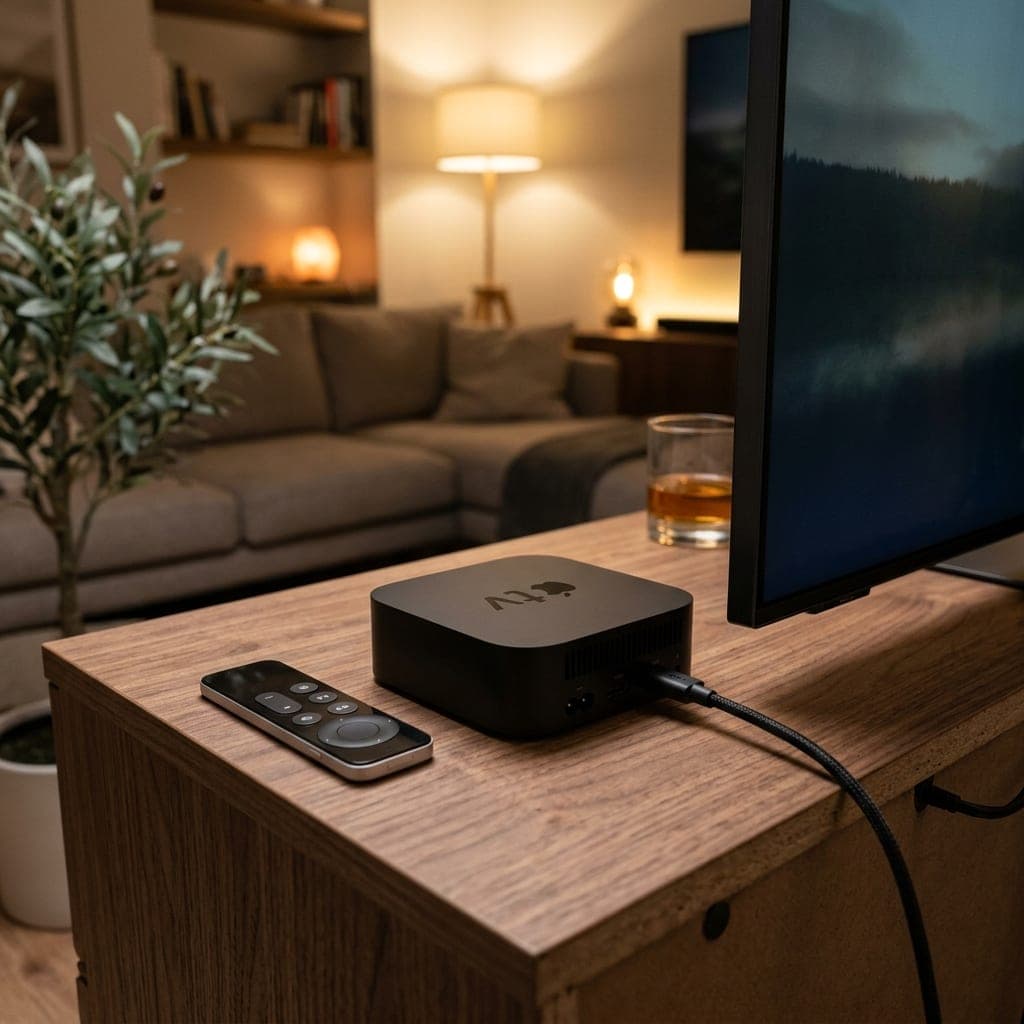
Apple TV is a great IPTV device
An Apple TV 4K is fast, reliable and has an excellent remote. The catch is that some popular Android apps, such as TiviMate, are not available. Several good alternatives are.
Apps to try
- Smarters Player Lite — free and simple, supports Xtream Codes login.
- iPlayTV — a polished TV-guide-style app with a one-off price.
- GSE Smart IPTV — flexible, works on iPhone, iPad and Apple TV.
App names and pricing in the App Store change from time to time, so check the current listing before buying.
Set it up
- Install your chosen app from the App Store.
- Choose to add an Xtream Codes account (or an M3U playlist if the app does not support Xtream).
- Enter the server URL, username and password from your welcome message.
- Wait for channels and the TV guide to load.
Tips
- Use Ethernet on the Apple TV 4K if your router is nearby — it is the most reliable option for football.
- On iPhone and iPad, AirPlay to the TV works, but a native Apple TV app is smoother.
- Set the device's region and time zone to the UK so the TV guide lines up.
Compare with other devices in our IPTV players guide, and test everything with our free 6-hour trial.
Apple TV 4K settings for IPTV
- Video: Settings > Video and Audio > Format: 4K SDR, with Match Content > Match Dynamic Range and Match Frame Rate turned on.
- Network: use Ethernet on models with a port.
- Region: set to the United Kingdom so the guide shows the right times.
Using an iPhone or iPad
IPTV apps work well on iPhone and iPad for watching on the go. On mobile data, HD football uses roughly 2–3 GB an hour, so Wi-Fi is better for long matches.
AirPlay to the TV
You can AirPlay from an iPhone to an Apple TV or AirPlay-compatible TV. It works, but a native app on the Apple TV is smoother and does not tie up your phone.
Mac
On a Mac, use IPTV Smarters or VLC. See IPTV on PC and Mac.
Apple vs Android for IPTV
Apple devices are smooth and reliable but have fewer IPTV apps — no TiviMate and no our-own-app. If app choice matters most, an Android TV device or Fire TV Stick gives more options. If your household is all Apple, Apple TV 4K is an excellent choice.
Frequently Asked Questions
Can I use TiviMate on Apple TV?
No. Use Smarters Player Lite, iPlayTV or GSE Smart IPTV instead.
Which app is best on iPhone?
Smarters Player Lite is free and simple; GSE gives more options.
Should I use Ethernet on Apple TV 4K?
If the router is nearby, yes — it is the most reliable for live sport.
Can I AirPlay IPTV to my TV?
Yes, but a native Apple TV app is smoother.
Sarah is a digital media specialist with a decade of experience covering streaming services, consumer technology, and the UK broadcast landscape. She has helped thousands of UK households make the switch from traditional cable to IPTV.
📚 Related Articles
Ready to experience the best IPTV UK?
Stop buffering and start watching. Claim your free 6-hour trial today.