How to Get IPTV on a Samsung or LG Smart TV
⚡ Quick Answer
The three ways to watch IPTV on a Samsung or LG TV — a built-in app, a Firestick, or an Android TV box — and which one is best for your set.
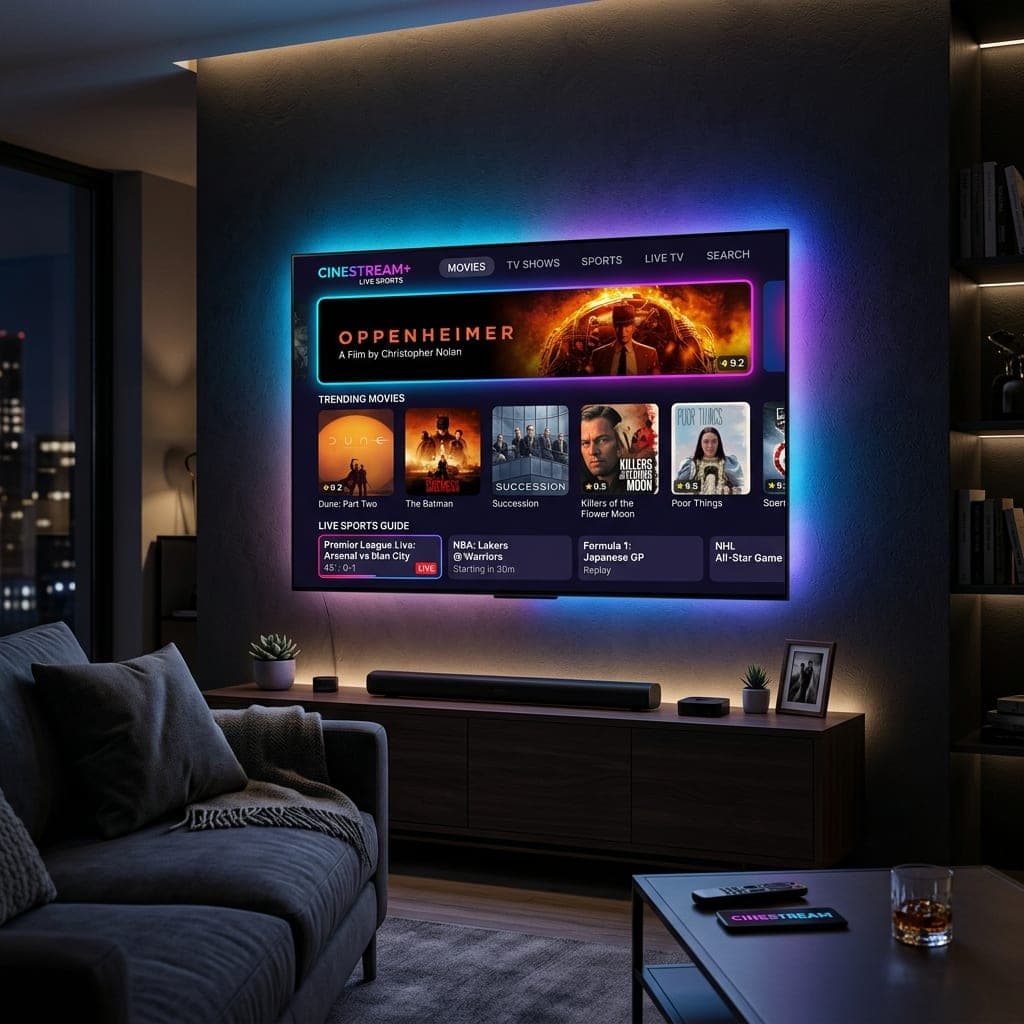
Three ways to do it
Samsung TVs run Tizen and LG TVs run webOS. Neither uses Android, so the app choice is smaller than on a Firestick. You have three options.
Option 1: An app on the TV itself
Open your TV's app store and search for an IPTV player that supports Xtream Codes or M3U — apps such as IPTV Smarters, IBO Player or Smart IPTV are commonly available, though the list changes by model and year. Install it, then enter the login details we send you. Some of these apps charge a small one-off activation fee to their developer.
Option 2: Plug in a Fire TV Stick
For most people this is the easiest and smoothest choice. A Firestick costs less than a month of most TV packages, has the widest app choice and usually changes channel faster than a TV's built-in system. See our Firestick setup guide.
Option 3: An Android TV box
If you want TiviMate on a big screen with plenty of storage, an Android TV box or Google TV device is a good middle ground. Our IPTV box guide compares the options.
Which should you choose?
- TV under 3 years old, light use: try the built-in app first.
- Older TV, or lots of sport: use a Firestick.
- You want TiviMate and catch-up on a big screen: use an Android TV box.
Whichever you pick, test it on our free 6-hour trial first. More detail for each brand is on our IPTV for Smart TV page.
Setting up the Smart IPTV app step by step
- Install Smart IPTV from your TV's app store and open it.
- Write down the MAC address it shows on screen.
- On your phone or computer, go to the Smart IPTV website's upload page.
- Enter the MAC address and the M3U link we send you, then submit.
- Restart the app on the TV. Your channels load within a minute.
Smart IPTV charges a one-off activation fee to its developer after a short trial period. We can do the upload for you if you send us the MAC address on WhatsApp.
Samsung model years
Samsung TVs from roughly the last six years run Tizen and support most current IPTV players. Very old Samsung models may not have suitable apps — a Fire TV Stick is the answer there.
LG model years
LG TVs on recent webOS versions have the widest app choice. If your LG is older and the apps are slow, plug in a stick.
Getting a smooth picture on a TV app
- Connect the TV with an Ethernet cable if you can — most Smart TVs have a port.
- Close other apps running in the background.
- Turn the TV fully off now and then, not just standby, to clear its memory.
When to give up on the TV app
If channels take a long time to load or the app crashes during matches, a Fire TV Stick will almost always be quicker. See our Firestick guide and IPTV on Smart TVs.
Frequently Asked Questions
Can I watch IPTV on a Samsung TV without a box?
Often yes, using an IPTV player from the Samsung Apps store.
Can I install your app on my LG TV?
No — LG and Samsung TVs cannot run Android apps. Use a TV player app or a Fire TV Stick.
Is a Firestick better than the TV app?
Usually faster, especially on older TVs, and it has more app choice.
Why is the guide wrong on my TV?
Check the TV clock and time zone are set to the UK.
Sarah is a digital media specialist with a decade of experience covering streaming services, consumer technology, and the UK broadcast landscape. She has helped thousands of UK households make the switch from traditional cable to IPTV.
📚 Related Articles
Ready to experience the best IPTV UK?
Stop buffering and start watching. Claim your free 6-hour trial today.