How to Set Up IPTV on a Fire TV Stick (Lite, 4K and 4K Max)
⚡ Quick Answer
Get IPTV running on your Firestick in about five minutes, with the settings that make the biggest difference to picture quality and buffering.
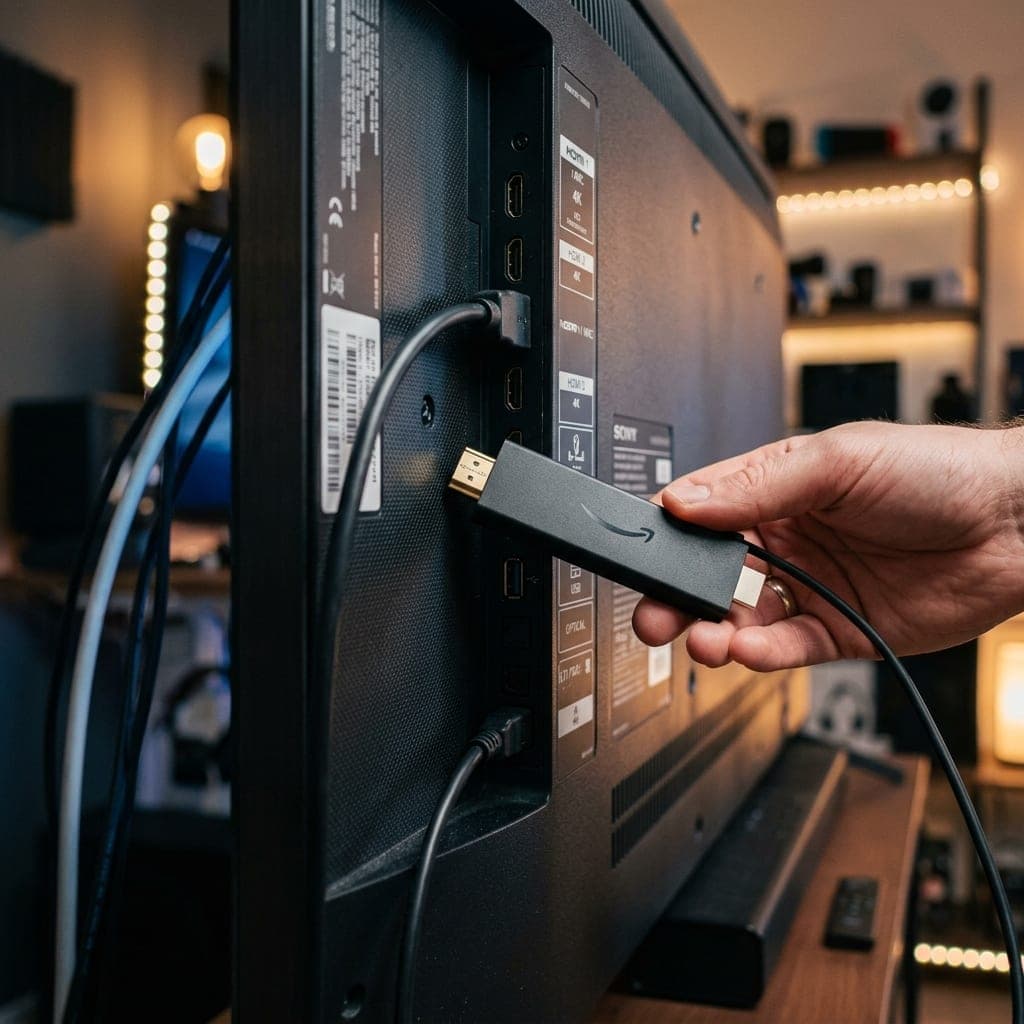
What you need
- A Fire TV Stick (Lite, 4K or 4K Max) connected to your TV and Wi-Fi
- Your login details from us, or a free 6-hour trial
Step 1: Allow apps from outside the Appstore
- Go to Settings > My Fire TV > About and click on the device name seven times until it says you are a developer.
- Go back to My Fire TV > Developer Options.
- Turn on Install unknown apps (or "Apps from Unknown Sources") for Downloader once you have installed it.
Step 2: Install Downloader
Search for Downloader using the Fire TV search and install it. It is free.
Step 3: Install the app
Open Downloader, enter the code or link from your welcome message, and install our app. Prefer TiviMate or IPTV Smarters? See our TiviMate guide or Smarters guide.
Step 4: Sign in
Open the app, enter your details and wait a moment while channels and the TV guide load.
Settings that make a difference
- Use the 5GHz Wi-Fi network or an Ethernet adapter.
- Turn off data monitoring: Settings > Preferences > Data Monitoring.
- Clear the app cache every few weeks.
- Uninstall apps you do not use to free memory, especially on the Lite.
Which Firestick for 4K?
The 4K Max is noticeably quicker and handles 4K football more smoothly. The Lite is fine for HD. More in our best IPTV for Firestick guide.
After installing: settings worth changing
- Display: Settings > Display & Sounds > Display > Video Resolution — set to Auto or 4K.
- Match frame rate: turn it on for smoother football.
- Notifications: turn off app notifications you do not need.
Using an Ethernet adapter
Amazon sells an Ethernet adapter for the Fire TV Stick. Plug it into the stick's power port, connect a network cable from your router, and the Firestick switches to wired automatically. For football, this is the most reliable setup there is.
If the app will not install
Check that Downloader is allowed to install unknown apps, that you typed the address exactly, and that the Firestick has enough free space. Uninstalling unused apps usually fixes "insufficient storage" errors.
Prefer a different player? See the best IPTV players compared.
Frequently Asked Questions
How long does Firestick setup take?
About five minutes.
Is it safe to allow unknown apps?
Yes, for apps you trust. You can turn the setting off again afterwards.
Which Firestick is best for IPTV?
The Fire TV Stick 4K Max — it is faster and handles 4K best.
Why is my Firestick buffering?
Usually Wi-Fi. Use 5GHz or an Ethernet adapter, and clear the app cache.
James has spent over 8 years reviewing streaming technology, IPTV services, and cord-cutting solutions for UK audiences. He specialises in device compatibility, network optimisation, and helping readers get the most from their streaming subscriptions.
📚 Related Articles
Ready to experience the best IPTV UK?
Stop buffering and start watching. Claim your free 6-hour trial today.