Still Using a MAG Box? Your Options in 2026
⚡ Quick Answer
MAG boxes still work, but newer devices are faster and easier. Here is how to keep using your MAG box, and what to upgrade to if you want more.
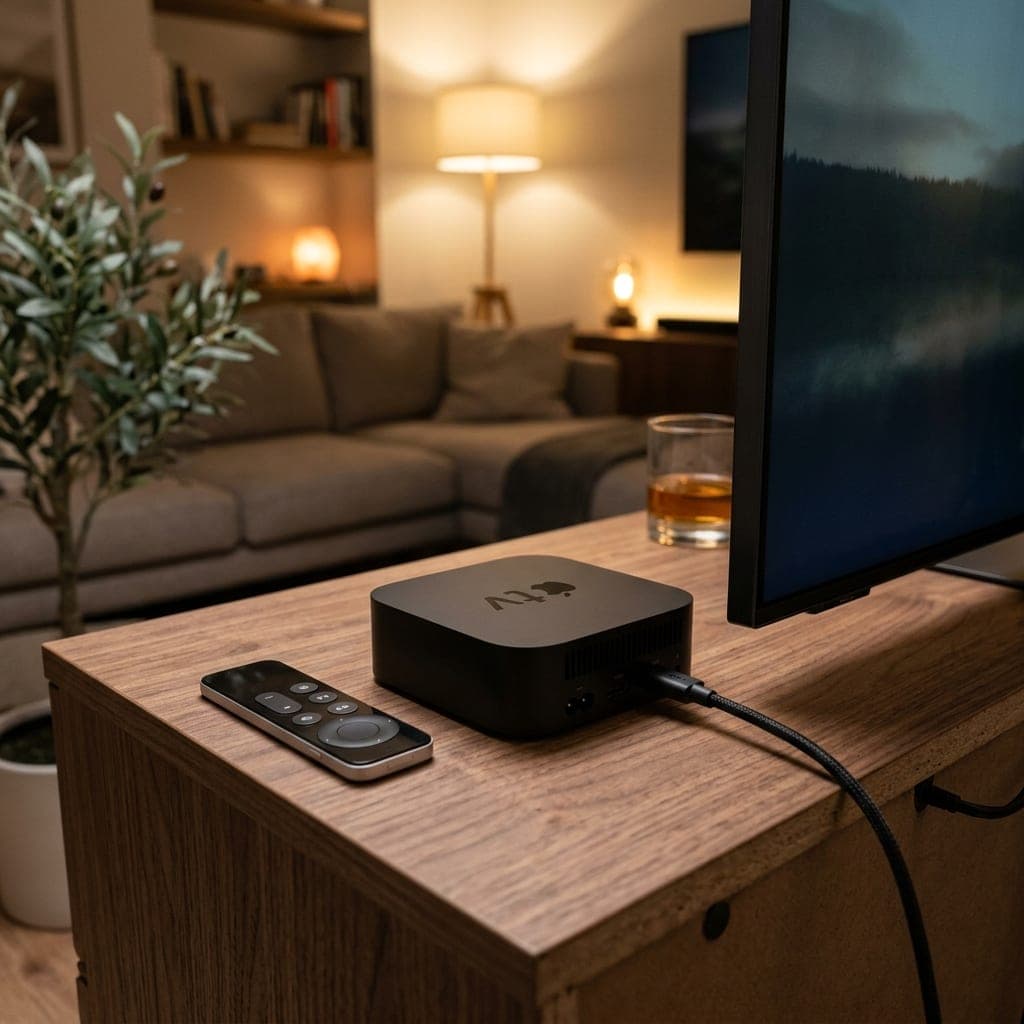
Keeping your MAG box
MAG boxes connect using a portal URL linked to the box's MAC address. Send us the MAC address printed on the label underneath, and we will set your account up so you can enter the portal URL in Settings > Servers > Portals.
The limitations
- Older models are slow to load large channel lists.
- Limited app choice — no TiviMate or modern players.
- Some older models do not handle 4K.
What to upgrade to
- Fire TV Stick 4K Max: cheapest and simplest. See our Firestick guide.
- Formuler box: closest to the MAG experience, with a familiar remote and portal-style app.
- Android TV box or Nvidia Shield: the most power and flexibility. See Shield vs Firestick.
Compare everything on our IPTV box page, and try a new device with our free 6-hour trial.
Setting up a MAG box step by step
- Find the MAC address on the label under the box (it starts 00:1A:79).
- Send it to us on WhatsApp so we can link it to your account.
- On the box, go to Settings > Servers > Portals.
- Enter the portal URL we send you in "Portal 1 URL", save and restart.
MAG vs Formuler
Formuler boxes run Android with a portal-style app called MyTVOnline, so they feel familiar to MAG users but can also run our app, TiviMate and other Android apps. For people who like a traditional set-top box, Formuler is the natural upgrade.
MAG vs Firestick
A Fire TV Stick 4K Max is cheaper than most set-top boxes, quicker, and has far more app choice. The trade-off is that it plugs into the back of the TV rather than sitting under it, and it has no built-in Ethernet port (an adapter is available).
Signs it is time to upgrade
- The channel list takes a long time to load
- The box freezes or restarts during live sport
- You want 4K, but your model only does HD
- You want catch-up and favourites that are easier to use
Keeping your MAG box running well
- Restart it regularly.
- Use a wired connection — most MAG boxes have Ethernet built in.
- Check for firmware updates in the settings menu.
Moving to a new device
When you upgrade, your subscription moves with you. Install the app on the new device and sign in, or message us to move a MAC-linked account to the new box.
See all options on our best IPTV box page, or test a new device with our free 6-hour trial.
Frequently Asked Questions
Can I still use my MAG box?
Yes. Send us its MAC address and enter the portal URL we give you.
What is better than a MAG box?
A Fire TV Stick 4K Max, a Formuler box or an Android TV box.
Where is the MAC address on a MAG box?
On the label underneath the box.
Does a MAG box support 4K?
Only newer models.
Sarah is a digital media specialist with a decade of experience covering streaming services, consumer technology, and the UK broadcast landscape. She has helped thousands of UK households make the switch from traditional cable to IPTV.
📚 Related Articles
Ready to experience the best IPTV UK?
Stop buffering and start watching. Claim your free 6-hour trial today.