IPTV on an LG Smart TV: Apps That Work on webOS
⚡ Quick Answer
Which IPTV apps work on LG’s webOS, how to set them up, and when a Firestick is the better option.
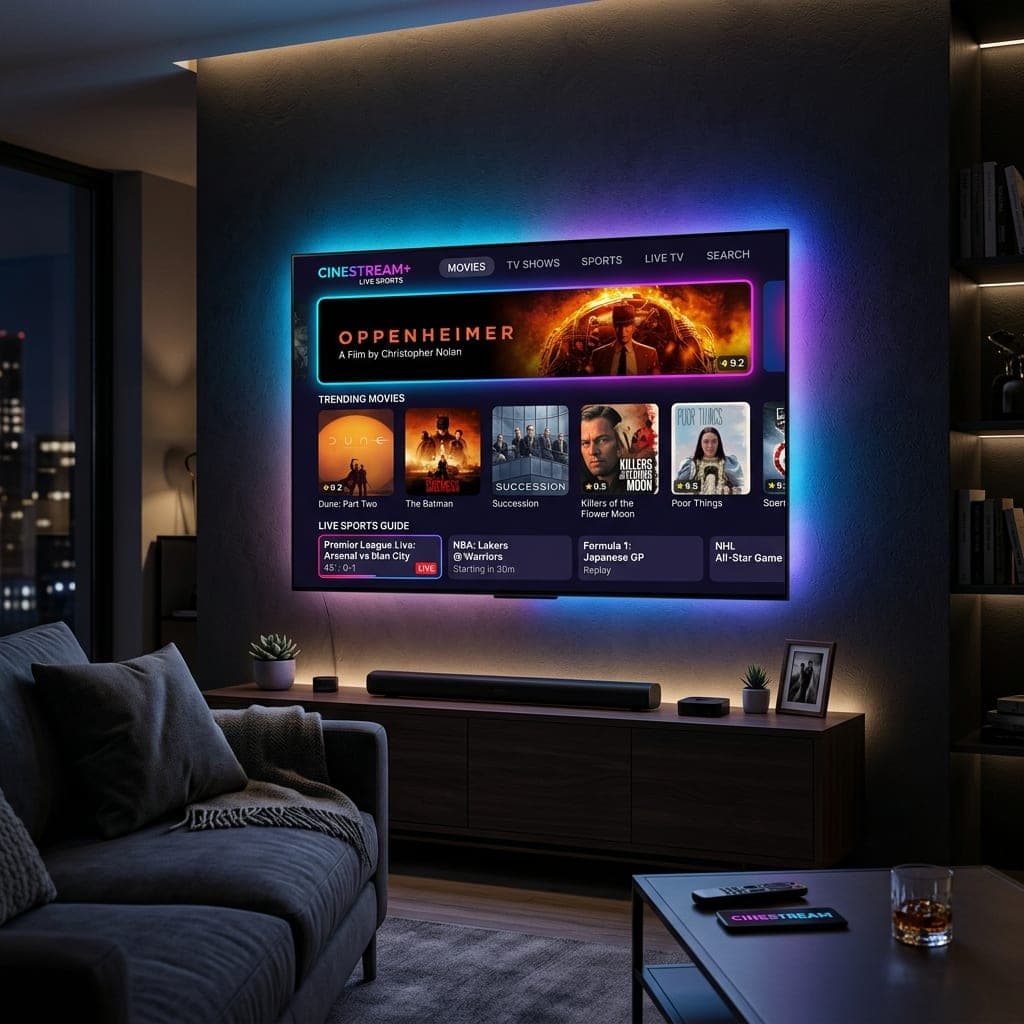
What works on LG
LG TVs run webOS, so Android apps like TiviMate are not available. Search the LG Content Store for an IPTV player that supports Xtream Codes or M3U — options commonly listed include IPTV Smarters, IBO Player and Smart IPTV. Availability depends on your TV's age and model, and some apps charge a one-off activation fee to their developer.
Set-up steps
- Install the player from the LG Content Store.
- Choose Xtream Codes login if offered, otherwise M3U.
- Enter the details from your welcome message.
- Set the TV's time zone to the UK so the guide lines up.
When to use a Firestick instead
On older LG models, or if you watch a lot of sport, a Fire TV Stick plugged into an HDMI port is usually faster and gives you more app choice. See our Firestick setup guide.
Samsung owner? See IPTV on Samsung TVs. Try it first with our free 6-hour trial.
Setting up an IPTV app on LG step by step
- Press the Home button and open the LG Content Store (or Apps).
- Search for an IPTV player and install it.
- Open it and note any MAC address or device key it shows.
- Add your playlist — either in the app or on the player's website using the MAC address.
- Restart the app and wait for the channels to load.
LG-specific tips
- Turn off "Quick Start+" occasionally and do a full restart to clear memory.
- Use the Magic Remote's pointer for scrolling long channel lists.
- Connect via Ethernet if the TV is near the router.
Picture settings
For sport, choose the "Sports" picture mode; for films, "Cinema" or "Filmmaker" mode. Turn off TruMotion for films to avoid the "soap opera" look.
Fire TV Stick on an LG TV
Plug the stick into an HDMI port, then use the LG input menu to switch to it. With HDMI-CEC (called SimpLink on LG), your LG remote can control the Firestick too. See IPTV for Firestick.
Frequently Asked Questions
Which IPTV apps work on LG TVs?
Players such as IPTV Smarters, IBO Player and Smart IPTV, depending on the model.
Can LG TVs run Android apps?
No. LG uses webOS.
Is a Firestick better on an LG TV?
Often, particularly on older models.
Do LG IPTV apps cost money?
Some charge a small one-off fee to their developer.
Sarah is a digital media specialist with a decade of experience covering streaming services, consumer technology, and the UK broadcast landscape. She has helped thousands of UK households make the switch from traditional cable to IPTV.
📚 Related Articles
Ready to experience the best IPTV UK?
Stop buffering and start watching. Claim your free 6-hour trial today.