IPTV on a Samsung Smart TV: Apps That Work on Tizen
⚡ Quick Answer
How to watch IPTV on a Samsung TV, which apps are available on Tizen, and when a Firestick gives a better experience.
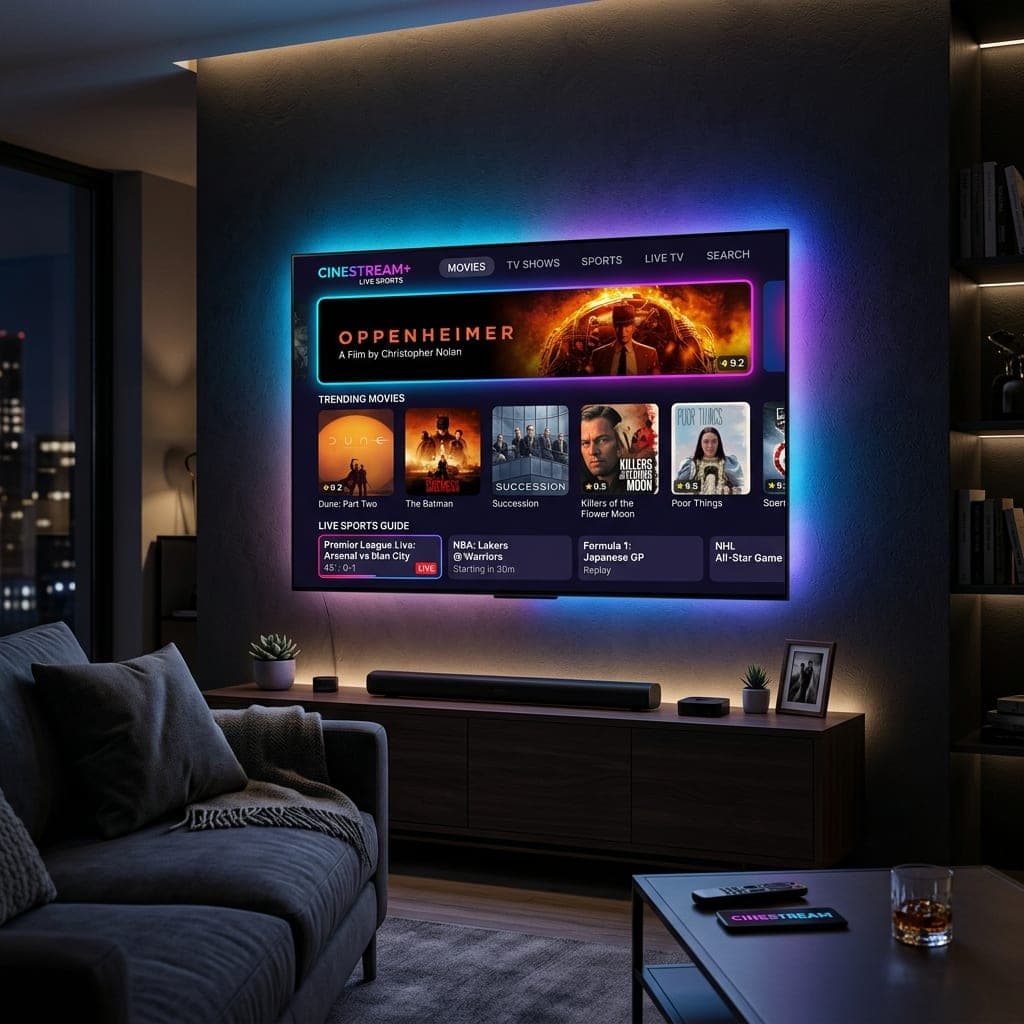
What works on Samsung
Samsung TVs run Tizen rather than Android. In the Samsung Apps store, look for an IPTV player that supports Xtream Codes or M3U — IPTV Smarters, IBO Player and Smart IPTV are among those commonly available, depending on model and year. Some charge a one-off activation fee to their developer.
Set-up steps
- Open Apps on your Samsung TV and search for the player.
- Install and open it, then choose Xtream Codes login if available.
- Enter the server URL, username and password we send you.
- Check the TV's clock and time zone are set to the UK.
When a Firestick is better
For older Samsung models, or if you want TiviMate and fast channel switching for football, plug in a Fire TV Stick. It usually costs less than a month of a TV package. See our Firestick guide.
LG owner? See IPTV on LG TVs. Test on your TV with our free 6-hour trial.
Setting up an IPTV app on Samsung step by step
- Press Home and open Apps.
- Search for an IPTV player and install it.
- Open it and note any MAC address or device key shown.
- Add your playlist in the app, or on the player's website using the MAC address.
- Restart the app and let the channels load.
Samsung-specific tips
- Hold the power button to fully restart the TV now and then.
- Turn off "Auto Motion Plus" for films; leave it on for sport if you like.
- Connect via Ethernet where possible.
Fire TV Stick on a Samsung TV
Plug the stick into an HDMI port and switch input. With Anynet+ (HDMI-CEC) enabled, your Samsung remote can control the Firestick. For older Samsung sets this is usually the smoothest option. See Firestick setup.
Samsung TV Plus is not IPTV in the same sense
Samsung TV Plus is a free, ad-supported service with its own channels. It does not include UK broadcasters' main channels or live Premier League football. See IPTV vs OTT vs FAST.
Frequently Asked Questions
Which IPTV apps work on Samsung TVs?
IPTV Smarters, IBO Player and Smart IPTV are common, depending on model and year.
Can Samsung TVs run Android apps?
No. Samsung uses Tizen.
Is a Firestick better on a Samsung TV?
Often, for speed and app choice.
Why does my Samsung IPTV app keep stopping?
Older TVs have limited memory. Restart the TV or try a Fire TV Stick.
James has spent over 8 years reviewing streaming technology, IPTV services, and cord-cutting solutions for UK audiences. He specialises in device compatibility, network optimisation, and helping readers get the most from their streaming subscriptions.
📚 Related Articles
Ready to experience the best IPTV UK?
Stop buffering and start watching. Claim your free 6-hour trial today.