Why a Computer Works Well for IPTV
Nothing Extra to Buy
Use the computer you already own.
Big, Sharp Screen
Most monitors show HD beautifully.
Wired Internet
Desktops and many laptops can use Ethernet for a rock-solid stream.
Watch While You Work
Keep the match in a window while you get on with other things.
Cast to the TV
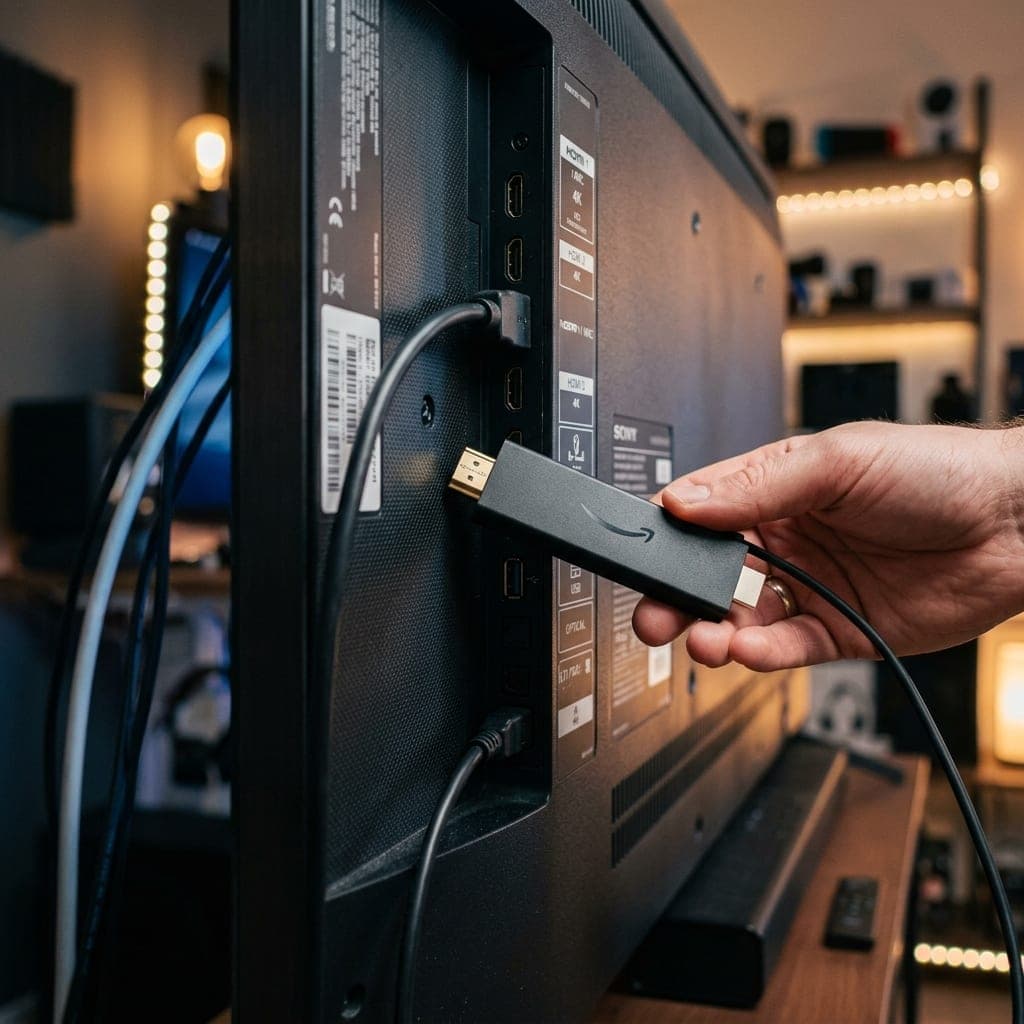
Send it to a TV with HDMI if you want the big screen.
Same Login Everywhere
Use the same account on your PC, Firestick and phone.
Apps for Windows and Mac
| App | Works on | Best for |
|---|---|---|
| IPTV Smarters | Windows, Mac | A full TV guide and easy login |
| VLC | Windows, Mac | Quick playback from an M3U link |
| MyIPTV Player | Windows | A simple guide-style layout |
| Web browser | Any | Where your provider offers a web player |
What Your Computer Needs
| Item | Recommended |
|---|---|
| Operating system | Windows 10/11 or a recent macOS |
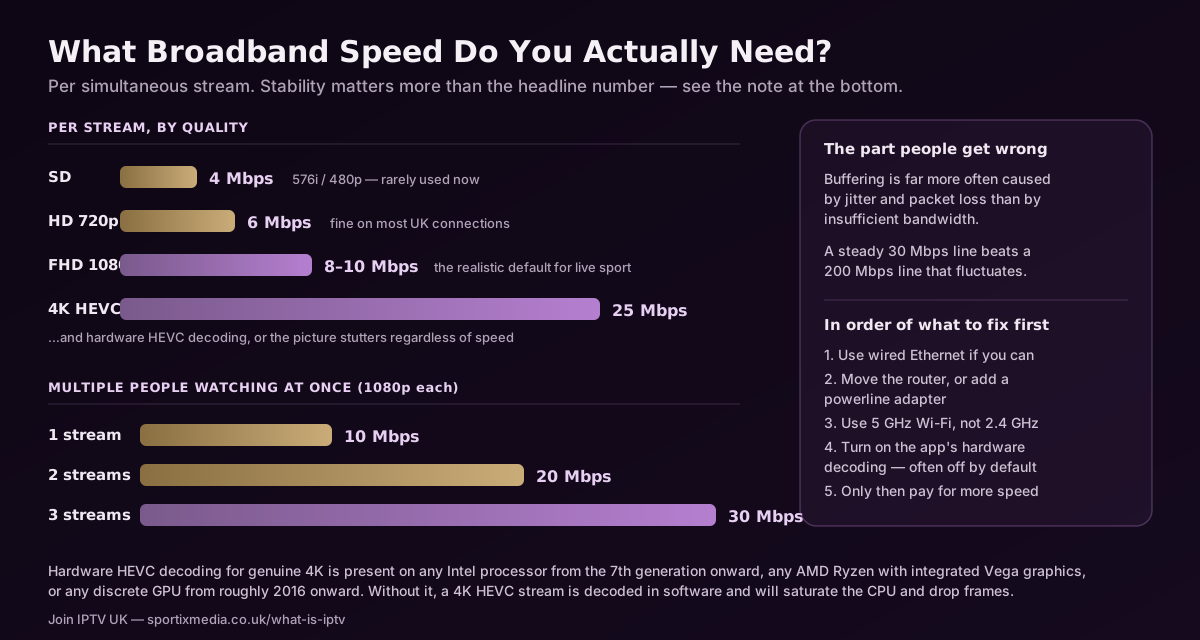
| Internet | 15 Mbps for HD, Ethernet if possible |
| Screen | Any HD monitor or laptop screen |
When a PC Is the Right Choice
A computer is ideal for a study, bedroom or office without a TV, and for trying the service before buying a streaming stick.
For the living room, a Fire TV Stick with a remote control is usually more comfortable than a laptop on the sofa.
Either way, the same login works on both — and on your phone — so you can use whichever suits the moment.
Frequently Asked Questions
All plans and prices are on one page
Every subscription length, connection count and price is listed together on our pricing page — from £10 for a single month up to £75, with the cheapest working out at £3.75/month on a 12-month plan. Nothing on this page overrides it.
Try It on Your Computer Now
Request a free 6-hour trial and be watching in a couple of minutes. No card needed.